Before changing your Apple ID country:
- spend any remaining Apple ID balance, if you have one
- review your active subscriptions — some may not be available in the new country
Step-by-step instructions for changing your Apple ID country:
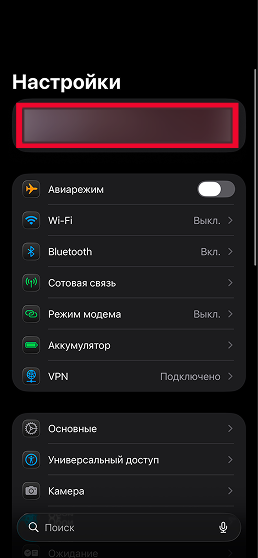
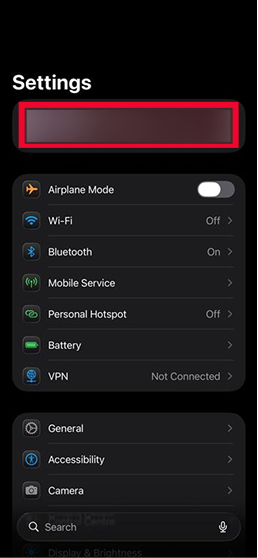
1. Open Settings on your iPhone.
2. Tap your name at the top of the screen.
3. Open Media & Purchases.
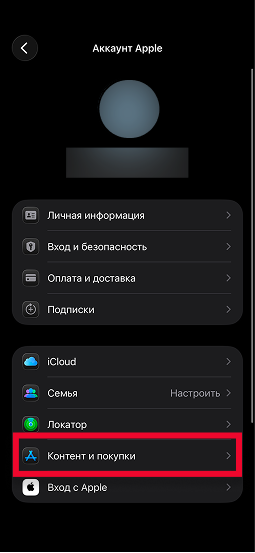
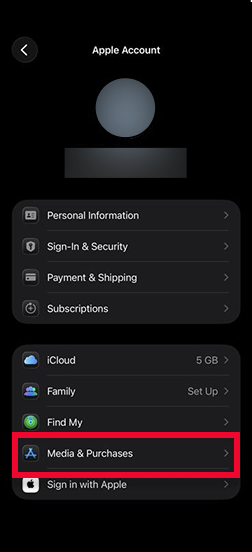
4. Tap View Account.
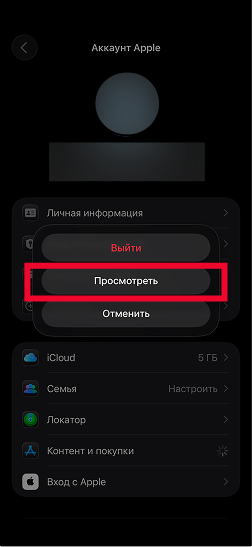
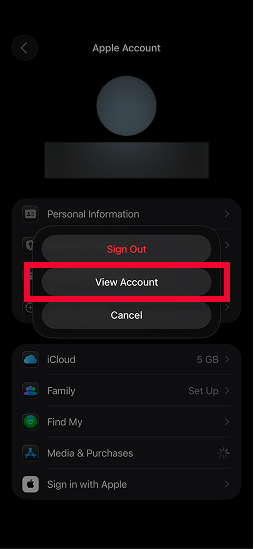
5. Open Country/Region.
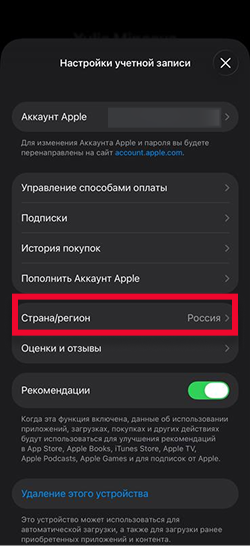
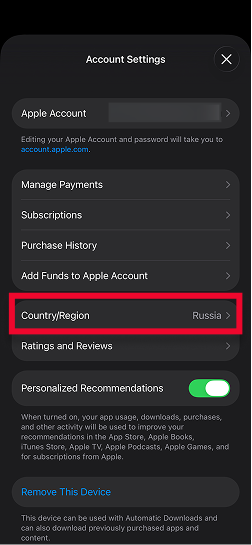
6. Choose any country other than Russia.
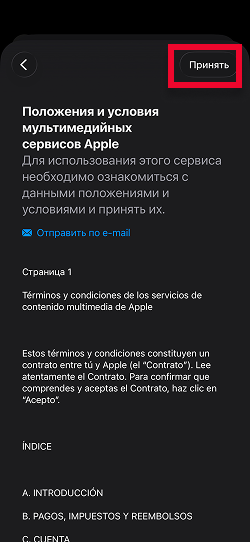
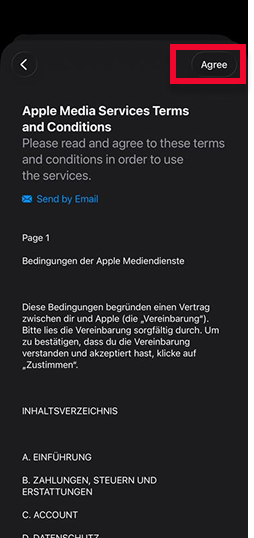
7. Accept the Apple Media Services Terms and Conditions.
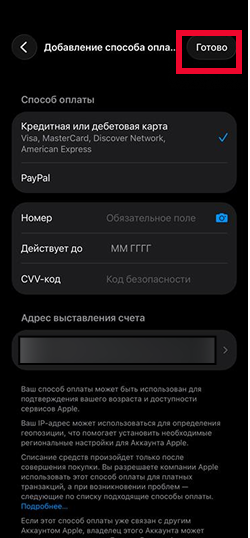
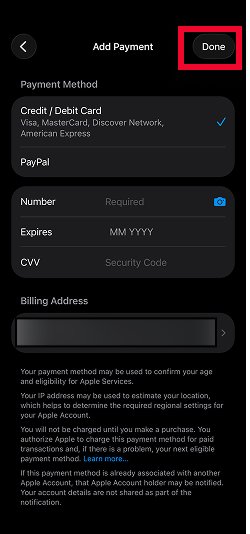
8. Enter a payment method and billing address for the new country.
9. Tap Done.
10. Open the App Store and search for VPNHouse, or use this link: https://apps.apple.com/us/app/vpnhouse-fast-secure-vpn/id6450951758