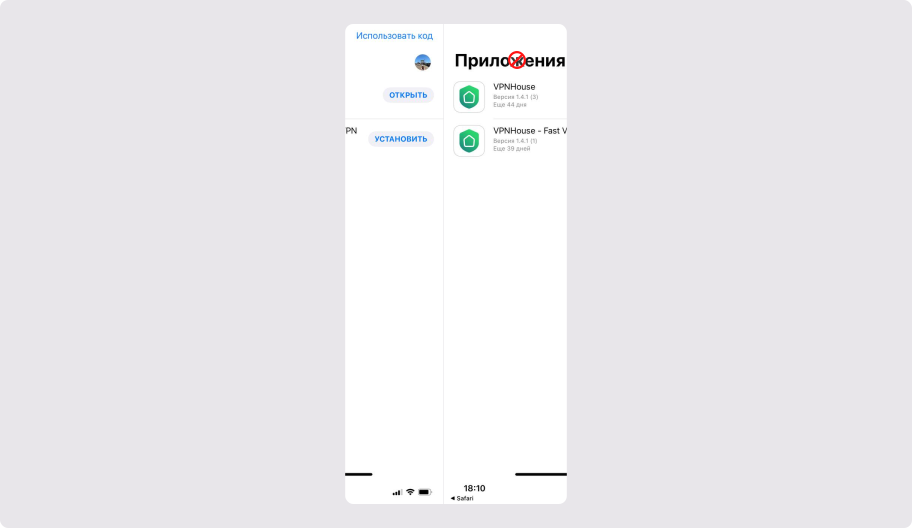
1. Install the TestFlight app
Download and install TestFlight from the App Store: https://apps.apple.com/us/app/testflight/id899247664
2. Install the VPNHouse app
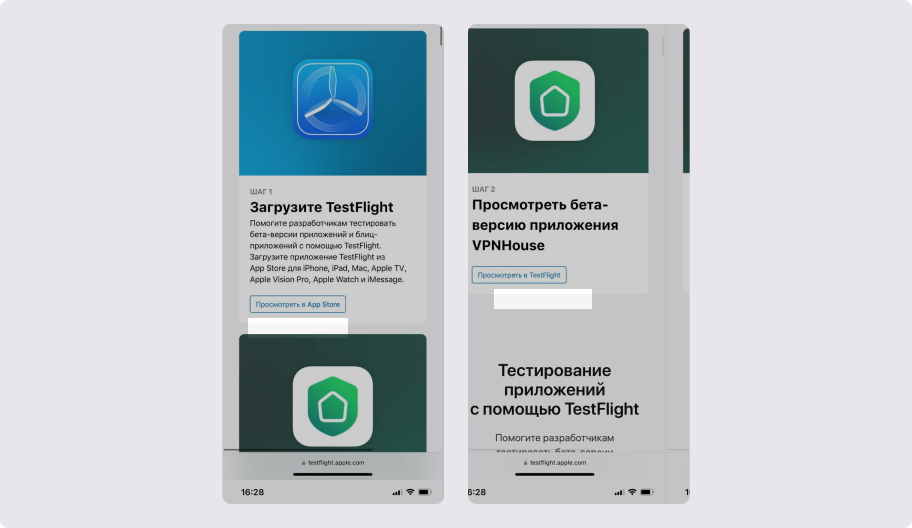
Open https://testflight.apple.com/join/PeJzeybx, complete Step 2, and tap “View in TestFlight”.
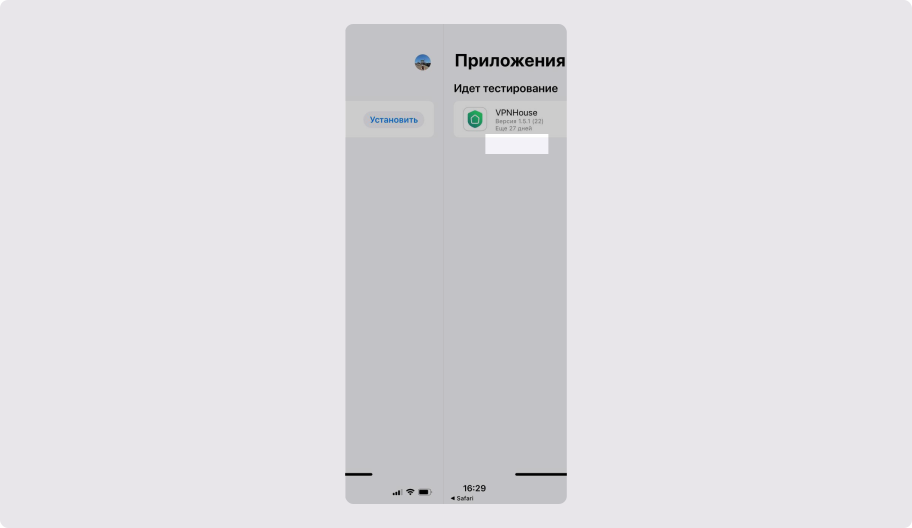
In the TestFlight app, tap “Install”.
3. Launch the VPNHouse app
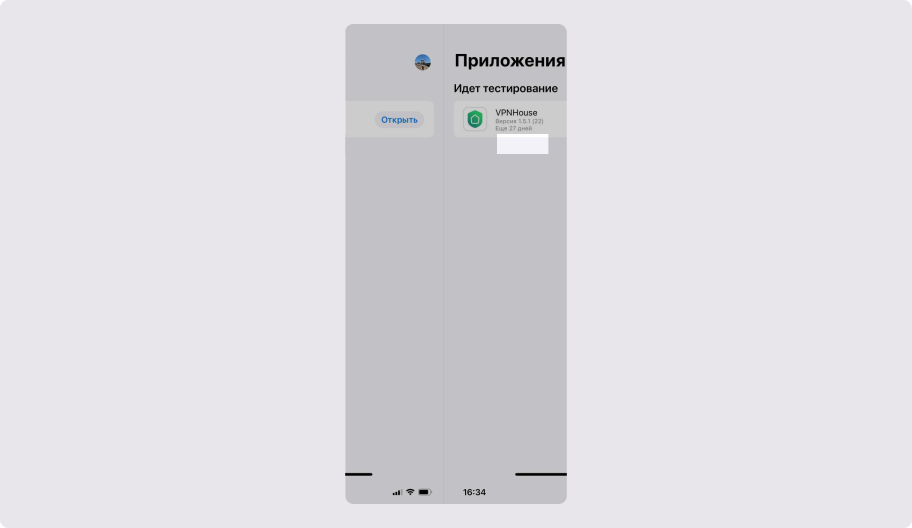
After installation, tap “Open”.
4. Do not tap “Redeem Code”
No code is required to install or use the VPNHouse app.